 PlayEarn
Installed HOT77? Change These 5 Settings Before You Play a Single Round
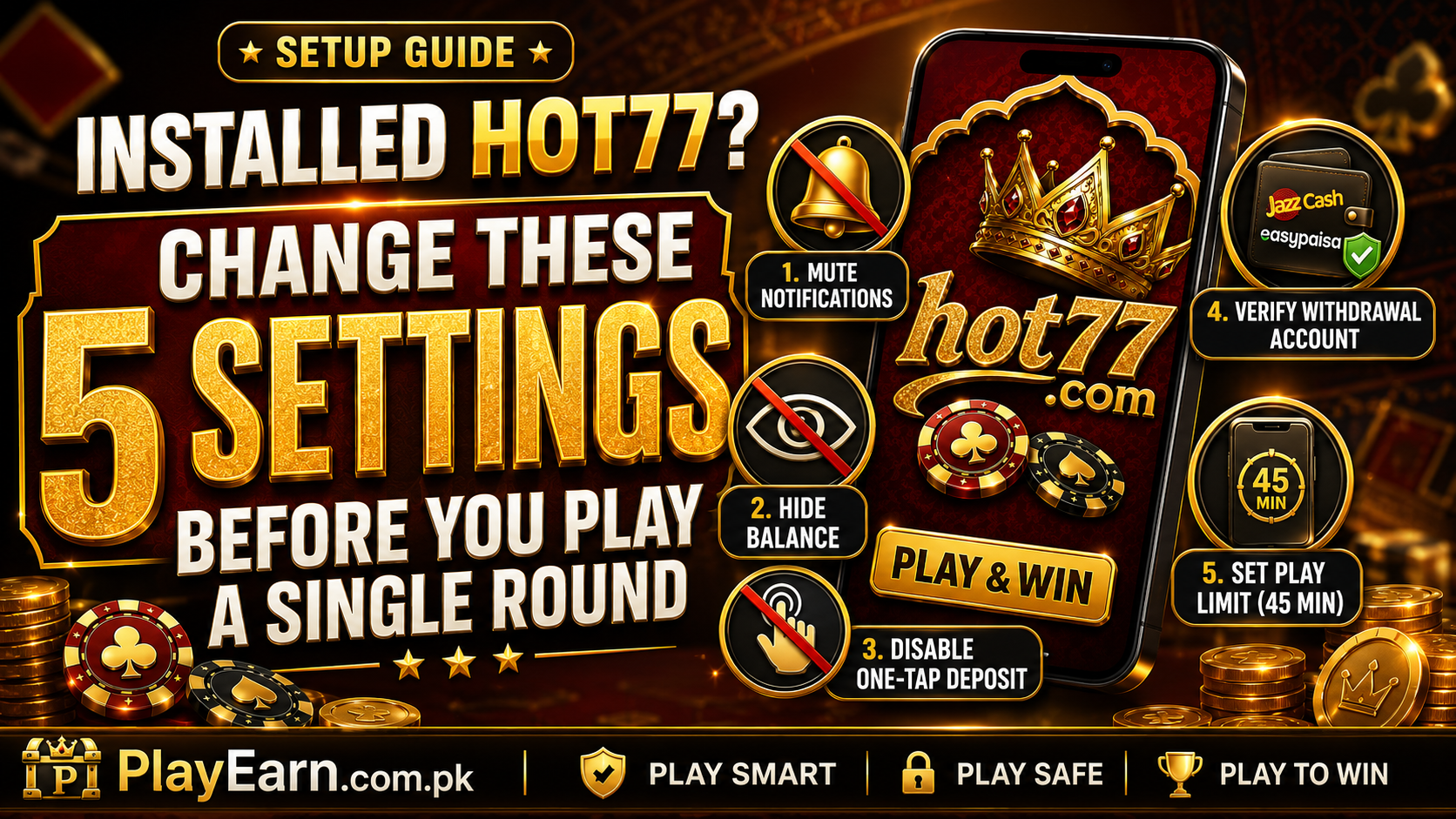
Installed HOT77? Change These 5 Settings Before You Play a Single Round
Installing the HOT77 app takes only a few minutes. The more important step comes after installation: changing the default settings before you deposit money or open your first game.
Most earning-game apps are designed to keep users active. Notifications, visible balances, quick-deposit buttons, and bonus pop-ups make it easy to return, add money, and continue playing without thinking about the cost.
HOT77 is no different. The app performed smoothly during our early test. The card rooms were active, the menus loaded quickly, and one small EasyPaisa withdrawal arrived in less than an hour. However, a working app does not automatically protect your money, time, or personal details.
Before playing, make these five HOT77 settings changes. They take only a few minutes and can help you use the app with more control. For current app specifications, available games and download information, visit our HOT77 game details and APK information page
Why You Should Review HOT77 Settings First
The first few minutes after installing HOT77 matter more than most users realize. When an app is left on its default settings, it may send frequent promotional alerts, keep your account balance visible, save payment details, and make deposits available with one tap.
These features are convenient for the platform. They are not always helpful for the player. A notification may bring you back during a late-night break. A visible balance may encourage one more round. A saved payment method may turn an unplanned deposit into a ten-second decision.
None of these actions appears serious on its own. Together, they can make it harder to follow a spending limit. The following HOT77 setup changes add useful barriers between an impulse and an actual payment.
New users should also review the mistakes gaming-app beginners should avoid before making their first deposit.
1. Turn Off HOT77 Notifications Immediately
The first setting to change is notifications. HOT77 may send alerts about bonuses, tournaments, daily check-ins, new games, limited-time rewards, or other users being active.
These messages often sound urgent. Most are not. A bonus that expires in a few hours is still a marketing offer. A message saying that other players are online does not require your attention. A new event does not become safer or more valuable because the app sends a notification.
How to Disable HOT77 Notifications on Android
Open your phone’s Settings.
Go to:
Apps → HOT77 → Notifications
Turn off all HOT77 notifications.
On some Android phones, the menu may appear as:
Settings → Notifications → App Notifications → HOT77
You can also press and hold a HOT77 notification when it appears, then select the option to disable future alerts.
Why Turning Notifications Off Helps
Notifications are designed to bring users back into the app. They often arrive when you are not actively planning to play. You may be working, studying, watching a video, or preparing to sleep. One promotional message can turn an idle moment into an unplanned gaming session.
Turning notifications off does not stop you from using HOT77. It simply means you open the app when you decide to, rather than when the app asks you to.
Important account information should still be checked directly inside the wallet, support, or account sections.
2. Add Your Withdrawal Account Before Depositing
Many users add money first and think about withdrawals later. That order can create avoidable problems.
Before making your first HOT77 deposit, open the wallet or account settings and check whether the app allows you to register a JazzCash or EasyPaisa withdrawal account. Enter the details carefully. Your mobile-wallet name should match the name used on your HOT77 account. The phone number should be active and under your control.
For a practical comparison of Pakistan’s main mobile wallets, read our EasyPaisa versus JazzCash payment test for OK222.
Why Account Name Matching Matters
A small spelling difference can delay a withdrawal. For example, your HOT77 profile may use your complete name while your EasyPaisa account uses a shortened version. The platform may ask for verification before processing the payment.
The same issue can happen if you use someone else’s JazzCash number. Fixing these problems is much easier before money is waiting inside the app.
Check the following details:
- Full account-holder name
- JazzCash or EasyPaisa number
- HOT77 profile name
- Mobile number verification
- Required identification details
Do not submit random information just to finish registration quickly. Incorrect details can lead to a payment review or account restriction.
Test With a Small Withdrawal
After your first small deposit, do not immediately increase the amount. Complete the required steps and request a small withdrawal. Confirm that the money reaches the correct wallet. A successful test is more useful than a promotional claim about “instant cash-outs.”
Keep a screenshot of the withdrawal request, transaction status, and payment receipt. Our guide explains what happens after submitting a withdrawal, including account checks, payout queues and wallet processing.
3. Hide Your HOT77 Balance in the Lobby
HOT77 may display your balance at the top of the lobby and across several game screens. This looks useful, but a constantly visible balance can affect how you play. When the number remains on the screen, you may begin treating it like game credit rather than real money.
A balance of PKR 2,000 can feel like points while it remains inside the app. The same PKR 2,000 may feel more valuable after it reaches your JazzCash wallet. Our OK37 investigation also explains why a displayed balance or withdrawal screenshot does not prove profit.
Check Whether HOT77 Offers a Balance-Hide Option
Open the HOT77 profile or settings section.
Look for options such as:
- Hide balance
- Balance visibility
- Privacy mode
- Eye icon
- Wallet display
Some versions may show a small eye-shaped icon beside the balance. Tapping it may hide the amount. If the option is available, use it. You can still check your funds by opening the wallet when needed. The goal is not to forget your balance. The goal is to stop seeing it as a constant invitation to continue playing.
Why Visible Balances Can Encourage Top-Ups
Suppose your balance drops from PKR 1,500 to PKR 230.Seeing that low amount after every round can create an urge to “restore” the balance with a quick deposit.
You may tell yourself that you are only adding enough for a few more games. That small top-up can become another deposit if the next session also ends in a loss. Hiding the balance removes one visual trigger from the lobby.
Our weekend HC777 guide explains how repeated top-ups can break a planned gaming budget.
4. Do Not Save Your Deposit Details
HOT77 may offer to remember your JazzCash, EasyPaisa, bank, or other payment details. The feature is presented as a shortcut. It allows you to make future deposits without entering the same information again. Decline it. Re-entering payment details may take thirty seconds, but those thirty seconds create useful friction.
Why One-Tap Deposits Can Be Risky
A one-tap payment is easy to make during an emotional moment. This can happen after losing several rounds, missing a crash multiplier, or watching a card hand go against you.
When payment details are already saved, there is almost no pause between wanting to recover a loss and adding more money. Entering the number and reviewing the amount gives you time to reconsider.
Ask yourself:
- Was this deposit part of my original budget?
- Am I depositing because I lost?
- Do I need this money for something else?
- Have I already reached today’s limit?
A short delay can prevent an unnecessary payment.
Avoid Autofill for Financial Details
Your phone or browser may also offer to save payment information.
Avoid storing sensitive details on a shared device. Do not allow another person to access your HOT77 account, mobile wallet, password, or verification codes. One-tap convenience is not worth weakening account security or removing your spending barriers.
5. Set a 45-Minute HOT77 App Timer
Time limits are easier to follow when your phone enforces them. HOT77 games can move quickly. A player may complete many card, slot, fishing, or crash rounds without noticing how long the session has lasted.
Set an app timer before the first round. Before choosing a game, read our guide to how different game categories affect session length and spending.
How to Set a HOT77 Timer on Android
Open:
Settings → Digital Wellbeing and Parental Controls → Dashboard
Select HOT77 and choose App Timer.
Set the daily limit to 45 minutes.
The exact menu name may differ depending on your phone. Samsung, Xiaomi, Oppo, Vivo, Realme, and other Android brands may place the option under Digital Wellbeing, Screen Time, or App Limits.
Why 45 Minutes Is a Useful Starting Point
A 45-minute limit gives you enough time to check the wallet, review promotions, and play a short session without allowing the app to take over the entire evening.
When the timer expires, Android pauses the app until the next day unless you manually change the limit. Do not treat the lock as an inconvenience. It is the reason the timer exists.
Late-night sessions are especially risky because tired players make faster and less careful decisions. A timer is often more reliable than promising yourself that the next round will be the last.
Bonus Setting: Read the HOT77 Welcome-Bonus Terms
Before claiming any HOT77 welcome offer, open the promotion and read the complete conditions. The headline bonus may look generous, but promotional credit often comes with wagering requirements.
You may need to place bets worth several times the bonus before withdrawing related funds.
Check These Bonus Conditions
Look for:
- Minimum qualifying deposit
- Required wagering or turnover
- Bonus expiry date
- Eligible game categories
- Maximum withdrawal limit
- Restricted payment methods
- Account-verification requirements
Do not claim a bonus based only on the amount shown in the banner. A large welcome reward can become a problem if it locks your deposit behind difficult turnover conditions.
Taking two minutes to read the rules is better than spending a week asking why the withdrawal button is unavailable. Our WinPKR777 guide provides another explanation of welcome bonus wagering conditions and restricted promotional balances.
How HOT77 Performed During Our Early Test
HOT77 delivered a solid first impression during limited testing.
The app opened without serious crashes. The game lobby was busy, particularly in the card section, and moving between the wallet and game categories felt smooth.
One small EasyPaisa withdrawal arrived in under an hour. That result is encouraging, but it does not guarantee the same experience for every player. Withdrawal time may depend on the amount, account verification, payment method, bonus conditions, and current request volume.
New platforms can also change over time. Use the official HOT77 download source, keep the app updated, and avoid APK files shared through random groups or unknown websites. Device experience may differ on older hardware. See our gaming-app performance test on a budget Android phone.
Final HOT77 Setup Checklist
Before playing your first HOT77 round, make sure you have:
- Disabled promotional notifications
- Added and verified your withdrawal wallet
- Matched your account name correctly
- Hidden the lobby balance where possible
- Declined saved deposit details
- Set a 45-minute app timer
- Read the welcome-bonus terms
- Chosen a fixed spending limit
These changes will not remove the financial risk of real-money gaming. They can, however, give you more control over how and when you use the app. Before installing or updating HOT77, follow our guide on how to install APK files safely on Android.
HOT77 should be treated as paid entertainment, not as employment, an investment, or a guaranteed source of income. Keep deposits small, withdraw regularly, protect your account details, and stop when you reach your limit.
18+ only. Never play with borrowed money, rent, household funds, tuition fees, business money, or emergency savings.